
7.3 Pixel Setting
7.3.1 Setup TikTok Pixel with Shopify
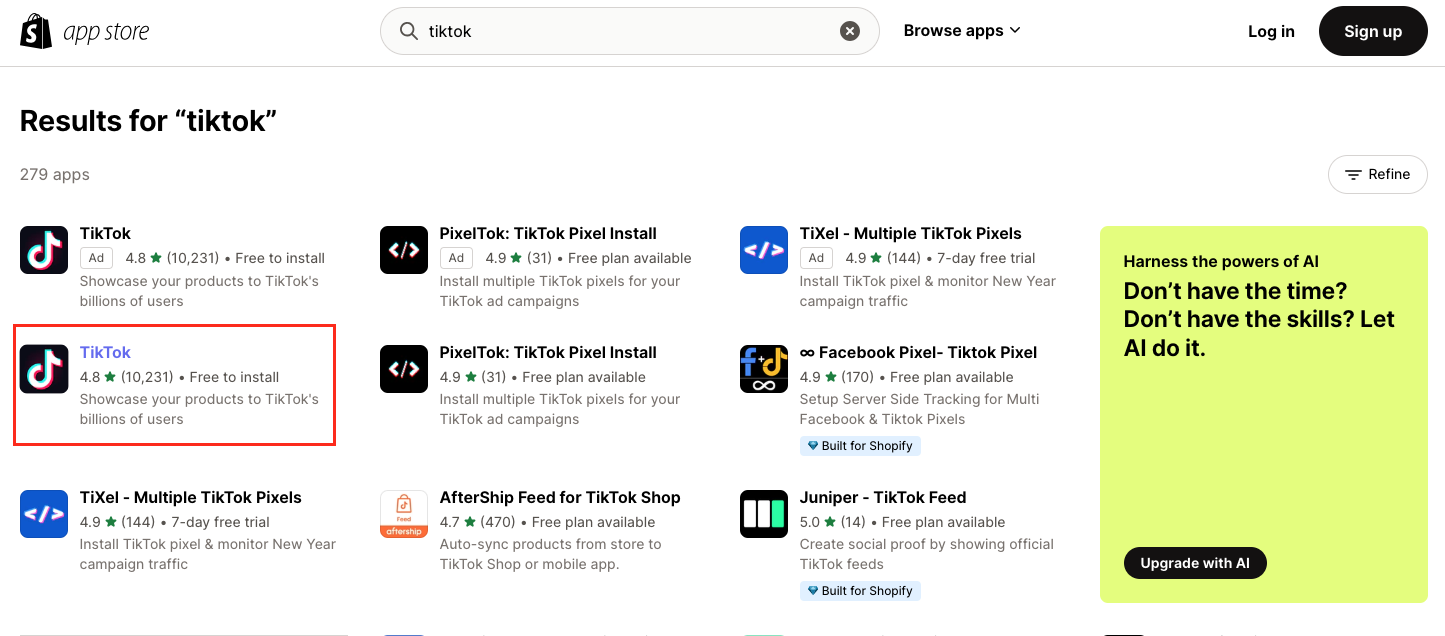
- Access https://apps.shopify.com/. Type TikTok into the search bar in the Shopify app store.
- Select the official TikTok app by TikTok Inc.
- Install the TikTok app.
- Connect your TikTok For Business account.
- Connect your Ad account.
- Create a new pixel
by clicking the Create Pixel button or selecting an existing pixel to connect to.
7.3.2 Setup TikTok Pixel with WooCommerce
Before getting started: TikTok x WooCommerce is not available in all markets. Check WooCommerce's platform for availability under the Details and compatibility tab.
Follow WooCommerce's official TikTok integration guide to connect your store and pixel.
7.3.3 Setup TikTok Pixel on other platforms
- ShopBase: Integrate TikTok Pixel on ShopBase following the platform's integration guide.
- Custom website: Install the TikTok Pixel base code on your website header and configure events for your conversion goals.